
We all have a part to play in keeping children safe online.
If you have any questions about anything on this page, please reach out to the Safeguarding Team here at KESH.
What I wish my parents or carers knew …
A guide for parents and carers on managing children’s digital lives
Parenting today can feel overwhelming - especially when childhood looks so different from what we grew up with. There’s no manual, and it can be hard to keep up with the fast-changing digital world your child moves through every day. This guide aims to make those conversations easier and help you support your child with confidence.

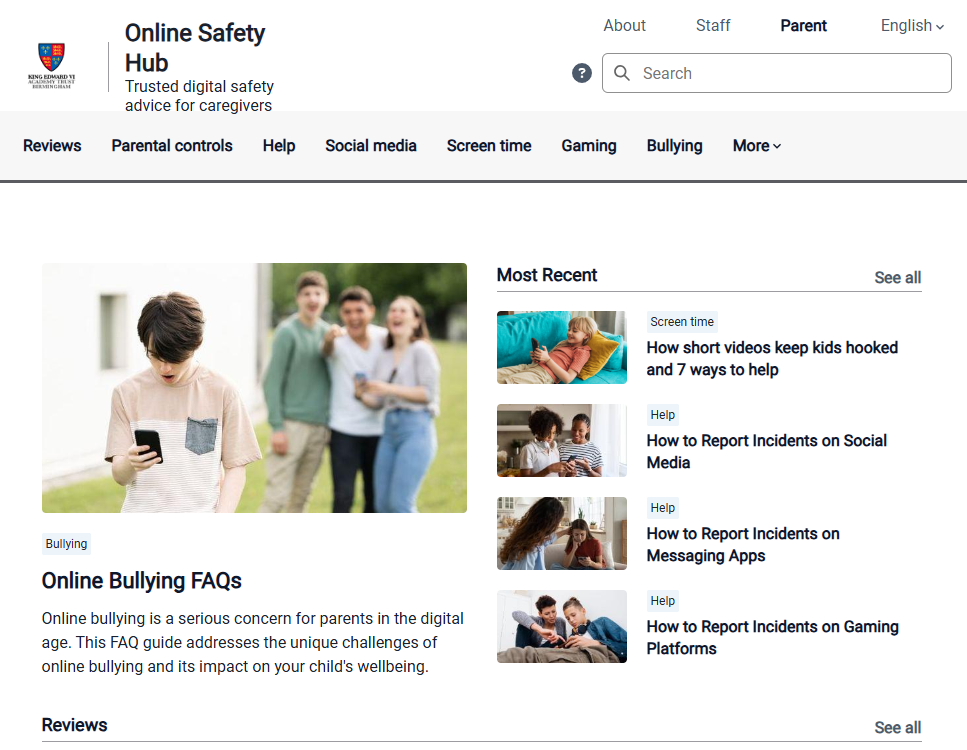
Online Safety Hub for Parents
The schools of the King Edward VI Foundation maintain a parental online safety hub.
This is a dedicated resource to help schools and parents have meaningful conversations with children about their digital safety and wellbeing.
This is a dedicated resource to help schools and parents have meaningful conversations with children about their digital safety and wellbeing.
Qustodio App
Qustodio is an app that when installed on a home device and a parent device enables the parent to monitor what it is being used for just like we monitor our computers in the Academy.
The Academy does not have any access to Qustodio the only information that we get from Qustodio is the number of accounts that are created from the link on the online safety hub.
Key features for parents
Web filtering, screen time management, reporting, location tracking, AI alerts to your device and App blocking and parental time limits.
Setting up Qustodio
- To create a Qustodio My school offer account go to the Online safety Hub
- Find the section Qustodio Parent App and click on the Create free account.
- Follow the on-screen instructions to set up your account.
- After you have created your account, you can use the get started in the Protect your family’s devices section.
- Note: after the trial period the My school offer only covers 1 device per child and parental email address that you have added to Qustodio.
After the trail period do not transfer to the complete account as that carries a cost. The school offer account is free.
We feel the Hub and Qustodio will enable you to better safeguard your child.
For further information please contact the safeguarding team at the Academy.

